Killer IPTV. Everywhere.
Supercharge your IPTV on your phone, tablet, TV and Fire Stick.
Apple
iPhone, iPad and Apple TV
 On its way
- Freeto download and use
- No adson Free or Premium
- 7 daysof Premium free
- 5 deviceson one Premium
Everything in one app

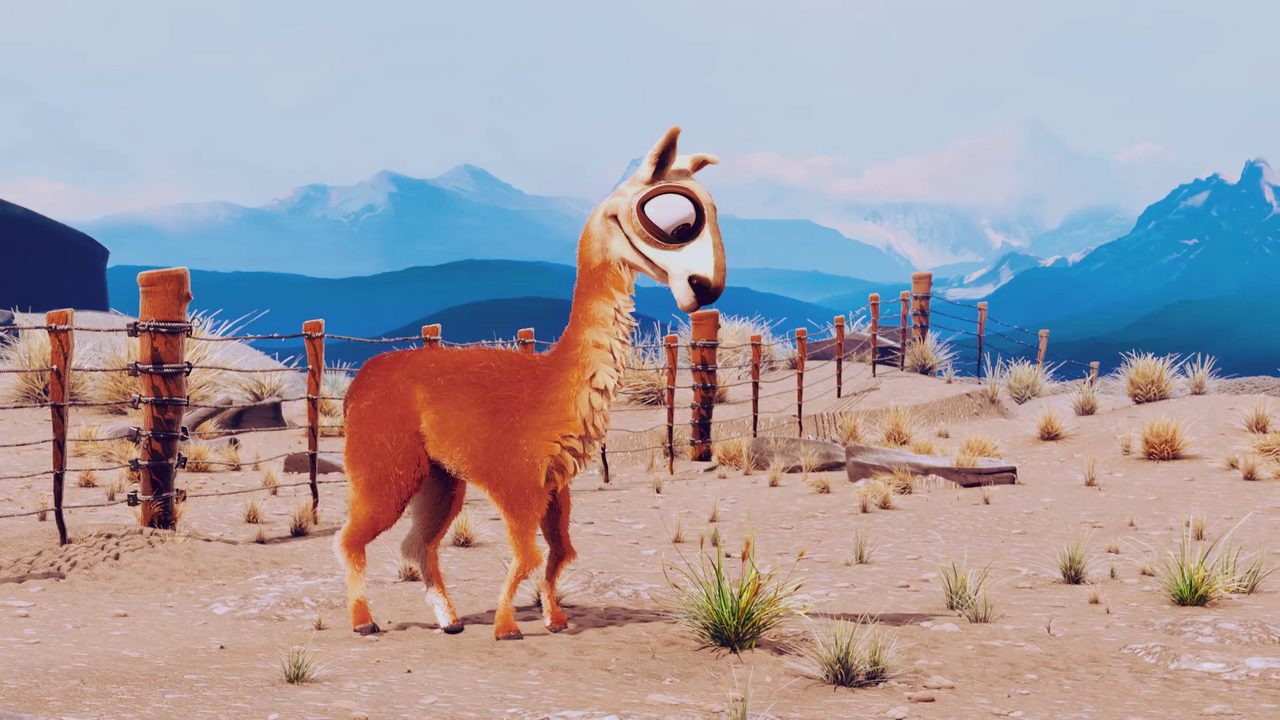
Koro the llama finds creative ways past every obstacle in Patagonia.



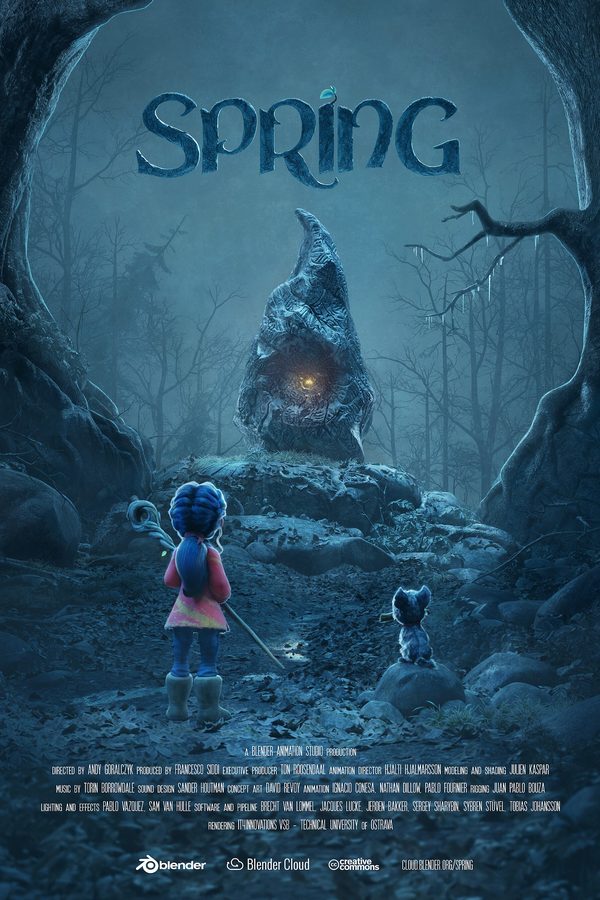



 Home
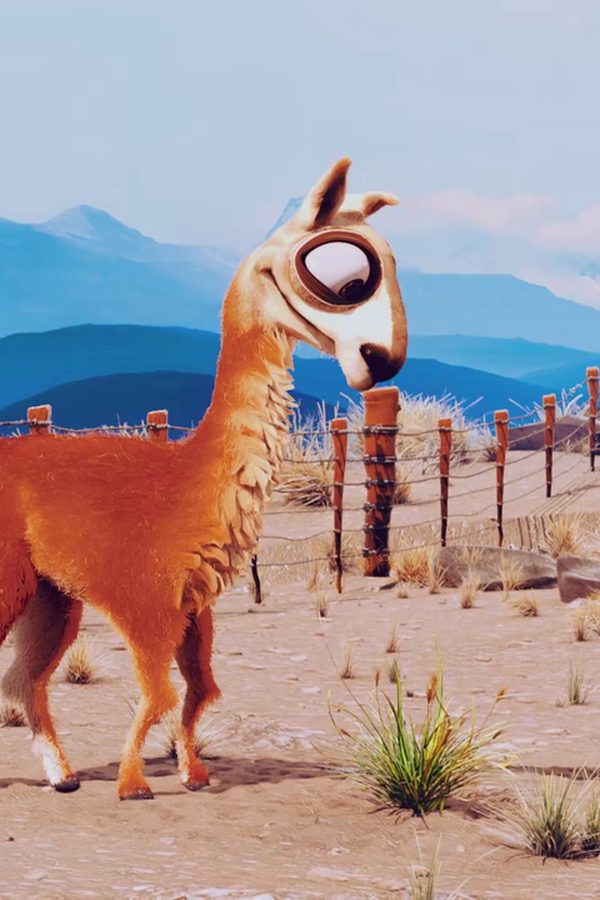
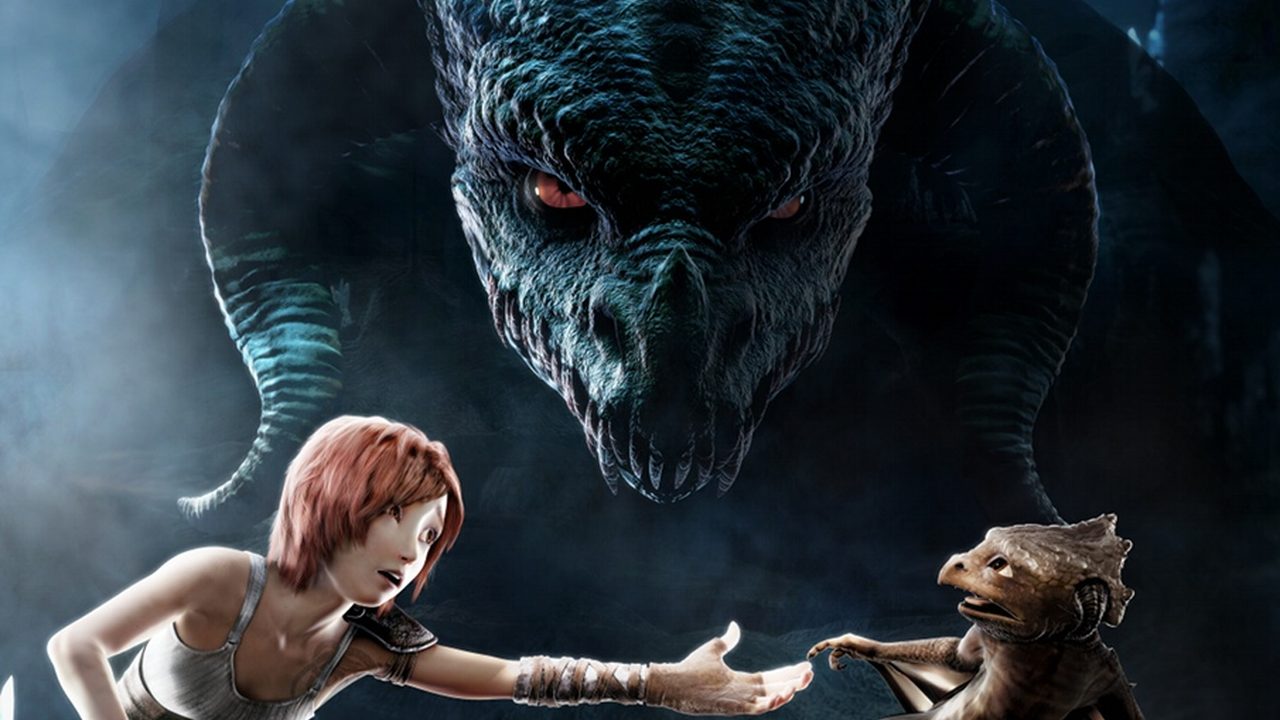



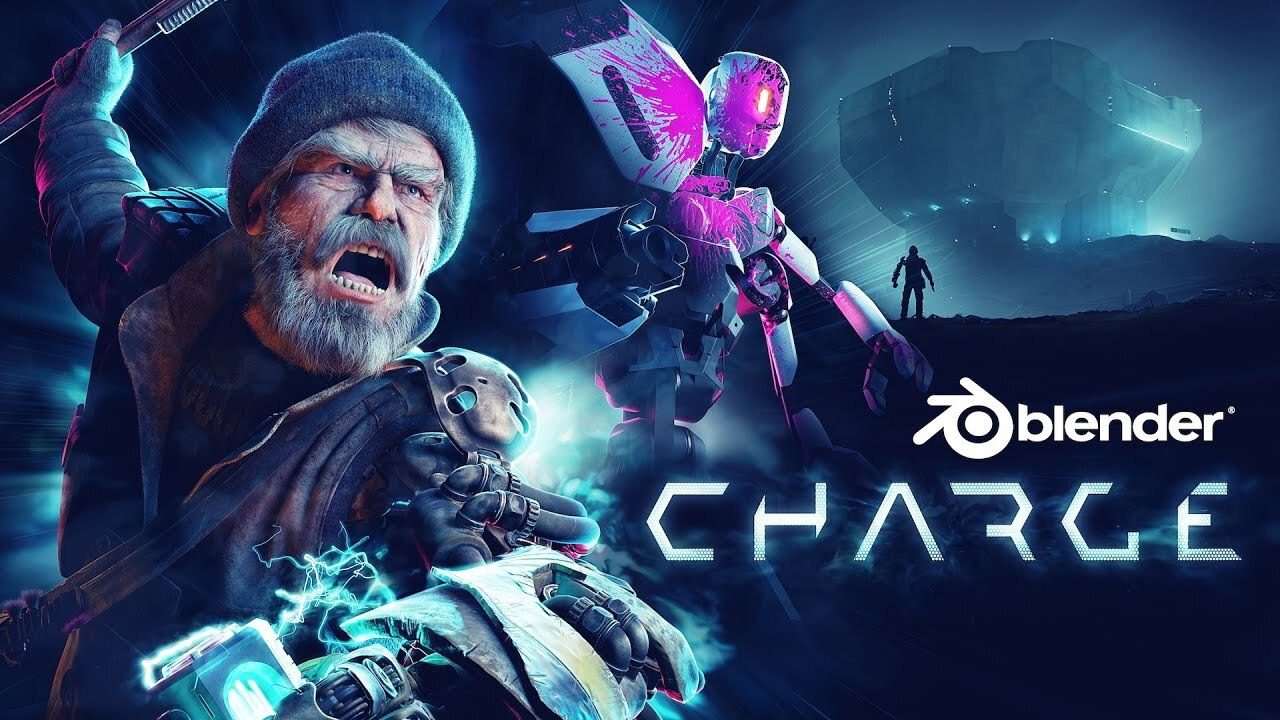
Screens show the demo playlist of Creative Commons open movies. What you watch comes from your own provider.
Install
Android phone & tablet
- Get RIPTV on Google Play, or search for RIPTV in the Play Store.
- Open RIPTV and sign in with your IPTV details. No service yet? Try the demo.
Fire TV
- On your Fire TV go to Find > Search, search for RIPTV and choose Get. Or find it on Amazon and send it to your Fire TV.
- Scan the code RIPTV shows on the TV with your phone's camera and type your IPTV details on your phone: nothing to type with the remote, and no app needed. With RIPTV on your phone, your login and profiles are copied across.
Google TV & Android TV
- Open the Play Store on the TV, search for RIPTV and install it.
- Not listed on your TV? Sideload it with Downloader, below.
- Scan the code RIPTV shows on the TV with your phone's camera and type your IPTV details there (no app needed), or copy your login across from RIPTV on your phone.
Prefer to sideload? Install the APK from this site
The store versions update themselves and are the easiest way in. The APK from this site is the same app, for devices without the stores or if you'd rather install it yourself. It tells you when there's an update.
Android phone or tablet
- Download the APK on your phone.
- Open the file and allow Install unknown apps for your browser if asked.
- Open RIPTV and sign in with your IPTV details.
Fire TV, Google TV & Android TV
- Install Downloader (by AFTVnews) from the app store on your TV.
- Allow Downloader to install apps. Fire TV: Settings > My Fire TV > Developer options (no Developer options? My Fire TV > About, press the device name 7 times). Google TV & Android TV: Settings > Apps > Security & restrictions.
- Open Downloader and enter this code, then press Go and Install.1519638
Pricing
| What you get | Free | Premium |
|---|---|---|
| Live TV with the TV guide | ✓ | ✓ |
| Films and series | ✓ | ✓ |
| Continue Watching and My List | ✓ | ✓ |
| Favourites and recently watched channels | ✓ | ✓ |
| Subtitles and audio tracks | ✓ | ✓ |
| Devices | 1 | Up to 5 |
| IPTV providers | 1 | As many as you like |
| Set up a TV from your phone (scan its code: no app needed) | ✓ | ✓ |
| Profiles | 1 | Profiles, kids profiles and a parental PIN |
| Search films, series, channels and TV programmes | — | ✓ |
| Pause and rewind live TV | — | ✓ |
| Record programmes | — | ✓ |
| Programme reminders | — | ✓ |
| Multi-view: several channels at once | — | ✓ |
| Downloads to watch offline | — | ✓ |
| Sync between your devices | — | ✓ |
| Picture-in-picture and casting to your TV | — | ✓ |
| Skip intro and credits, next-episode countdown | — | ✓ |
| Catch-up TV | — | ✓ |
| Trakt, recommendations and “Because you watched” | — | ✓ |
| Review scores from IMDb, Rotten Tomatoes and Metacritic | — | ✓ |
| Your own channel groups and an extra TV guide | — | ✓ |
| Themes | — | ✓ |
| Notifications and your viewing stats | — | ✓ |
| Price | Free | £4.99 a year or £12.99 once7 days free on every new install |
Upgrade to Premium
Every new install gets 7 days of Premium free. After that RIPTV carries on free unless you upgrade.
Get Premium in the app
Install RIPTV from Google Play or the Amazon Appstore and choose Premium in Settings > Subscription, paid through your store account. Premium works on up to 5 devices. Cancel any time in the store.